Proxmox blockiert Verbindungen – kex_exchange_identification: read: Connection reset by peer
Von Huskynarr
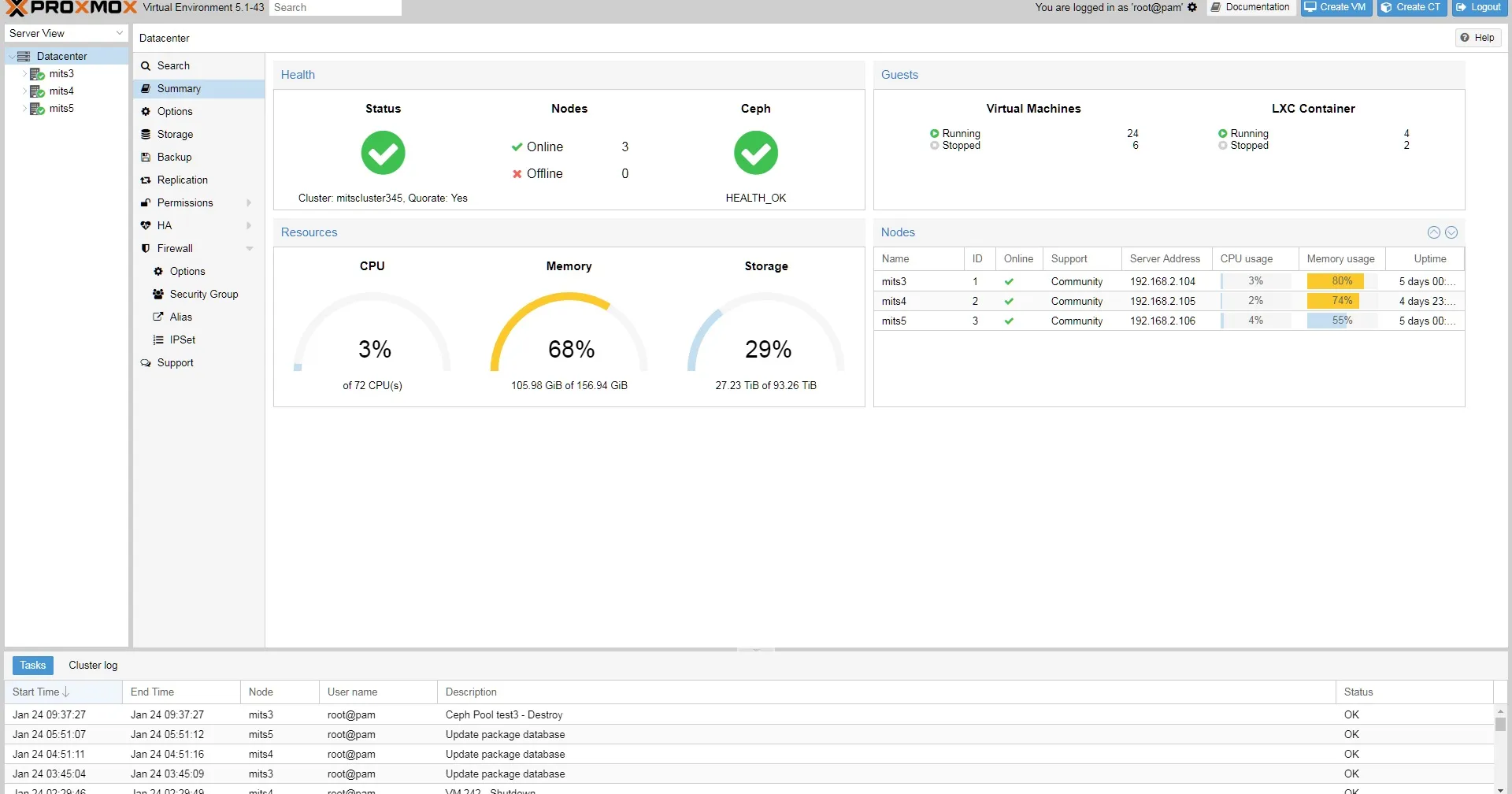
Proxmox VE Übersicht
Bei einigen Proxmox Instanzen ist mir aufgefallen, dass ich mich nicht mehr verbinden konnte. Da es mir nun mehrfach passiert ist, will ich das ganze mal hinterlegen, falls ich wieder vergessen sollte warum das passiert ist.
Immer wenn ich mich versucht habe per SSH zu verbinden, erschien diese Fehlermeldung:
ssh_exchange_identification read connection reset by peerIn den genaueren Debug Logs stand zudem auch, dass der Server die Verbindung ablehnt. Dabei ist von Haus aus, kein fail2ban installiert. Nach einer langen Recherche stellte sich heraus, das Debian oder PVE meine IP-Adresse (in diesem Beispiel 192.168.123.123) unter /etc/hosts.deny eingetragen hat. Vermutlich weil ich relativ viele Anfragen im Netz habe.
So sah die /etc/hosts.deny aus:
# /etc/hosts.deny: list of hosts that are _not_ allowed to access the system.
#                  See the manual pages hosts_access(5) and hosts_options(5).
#
# Example:    ALL: some.host.name, .some.domain
#             ALL EXCEPT in.fingerd: other.host.name, .other.domain
#
# If you're going to protect the portmapper use the name "rpcbind" for the
# daemon name. See rpcbind(8) and rpc.mountd(8) for further information.
#
# The PARANOID wildcard matches any host whose name does not match its
# address.
#
# You may wish to enable this to ensure any programs that don't
# validate looked up hostnames still leave understandable logs. In past
# versions of Debian this has been the default.
# ALL: PARANOID
sshd: 192.168.123.123
Die lösung ist einfach, die eigene IP Adresse hier heraus löschen und in /etc/hosts.allow eintragen. Da ich viele Maschinen in meinem Netzwerk habe, habe ich hier einfach die ganze IP Range angeben. Dazu muss man dann neben den ersten 3 IP Zahlenblöcken zum schluss als 4. Zahlenblock eine 0/24 eintragen.
So sieht meine /etc/hosts.allow nun aus:
# /etc/hosts.allow: list of hosts that are allowed to access the system.
#                   See the manual pages hosts_access(5) and hosts_options(5).
#
# Example:    ALL: LOCAL @some_netgroup
#             ALL: .foobar.edu EXCEPT terminalserver.foobar.edu
#
# If you're going to protect the portmapper use the name "rpcbind" for the
# daemon name. See rpcbind(8) and rpc.mountd(8) for further information.
#
192.168.123.0/24
Ab jetzt sollte das ganze wieder einwandfrei funktionieren. In mienem Fall klappte es sogar ohne Neustart des SSH Dienstes.